The Explorer v5.0
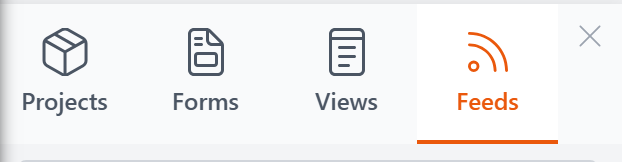
The Explorer is a slide-out panel in the Control Panel where you browse, manage, and organize your views, forms, feeds, and projects. It's organized into four tabs — one for each resource type.
Opening and Closing
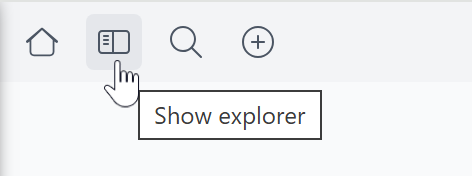
Click the Show explorer button in the Control Panel's top toolbar to open the panel. It slides in from the left side of the screen.
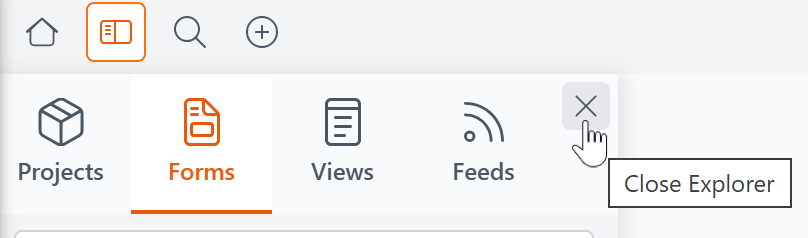
To close the Explorer, click the X in its top-right corner.
Creating New Resources
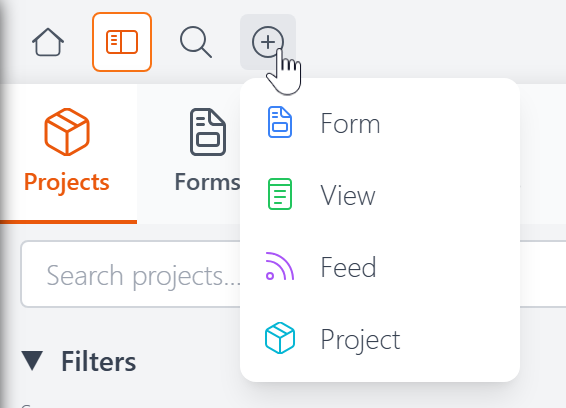
To create a new resource, click the + button in the Control Panel's top toolbar and choose what you'd like to create.
The Tabs
Each tab lets you search, filter, sort, and manage a specific type of resource. Click a resource name to open it in its editor.